Dual Uplink for 15 People: Starlink, Heimdall, and Linux Routing
At some point, one internet connection isn’t enough. We hit that point when 15 people were working in the office simultaneously and the line was noticeably sluggish — video calls, git pushes, remote access, all sharing a single uplink. Philipp and I tackled it in February.
Philipp is our server administrator — still working on his bachelor’s degree, but already operating at a level that leaves many professional admins behind. Together we’ve set up mesh backhauls, VPNs, intranets, a Kubernetes cluster, Ceph storage, Keycloak for all our internal services — and quite a bit more. If a service runs in our office, Philipp either built it or knows every corner of it. The network upgrade in February was one more chapter in a long list.
The Problem: One Uplink for 15 People
Our existing network was a standard setup: one uplink, backbone switches behind it, everything running over that single path. It works — until it doesn’t. Either because bandwidth runs out, or because the provider has a bad day. We’d had both.
The fix was obvious: add a second uplink. We went with Starlink — quick to install, independent of our DSL provider, and well-suited to our location.
The actual goal was resilience: if one link goes down, the office keeps running without anyone having to intervene.
AI-Heimdall: The Linux Router Between Two Uplinks
Between the two uplinks and the existing backbone switches we added a small new rack. Inside: a Debian rack PC, hostname AI-heimdall.
The name is not accidental. Odin Holmes — a close collaborator I’ve worked with for years — established the tradition of giving some of our projects and machines names from Norse mythology. The first library Odin and I wrote together was called Kvasir. The habit stuck. Heimdall — the watchman of the gods, who observes all nine worlds and misses nothing — was too fitting for the gateway into our network to pass up.
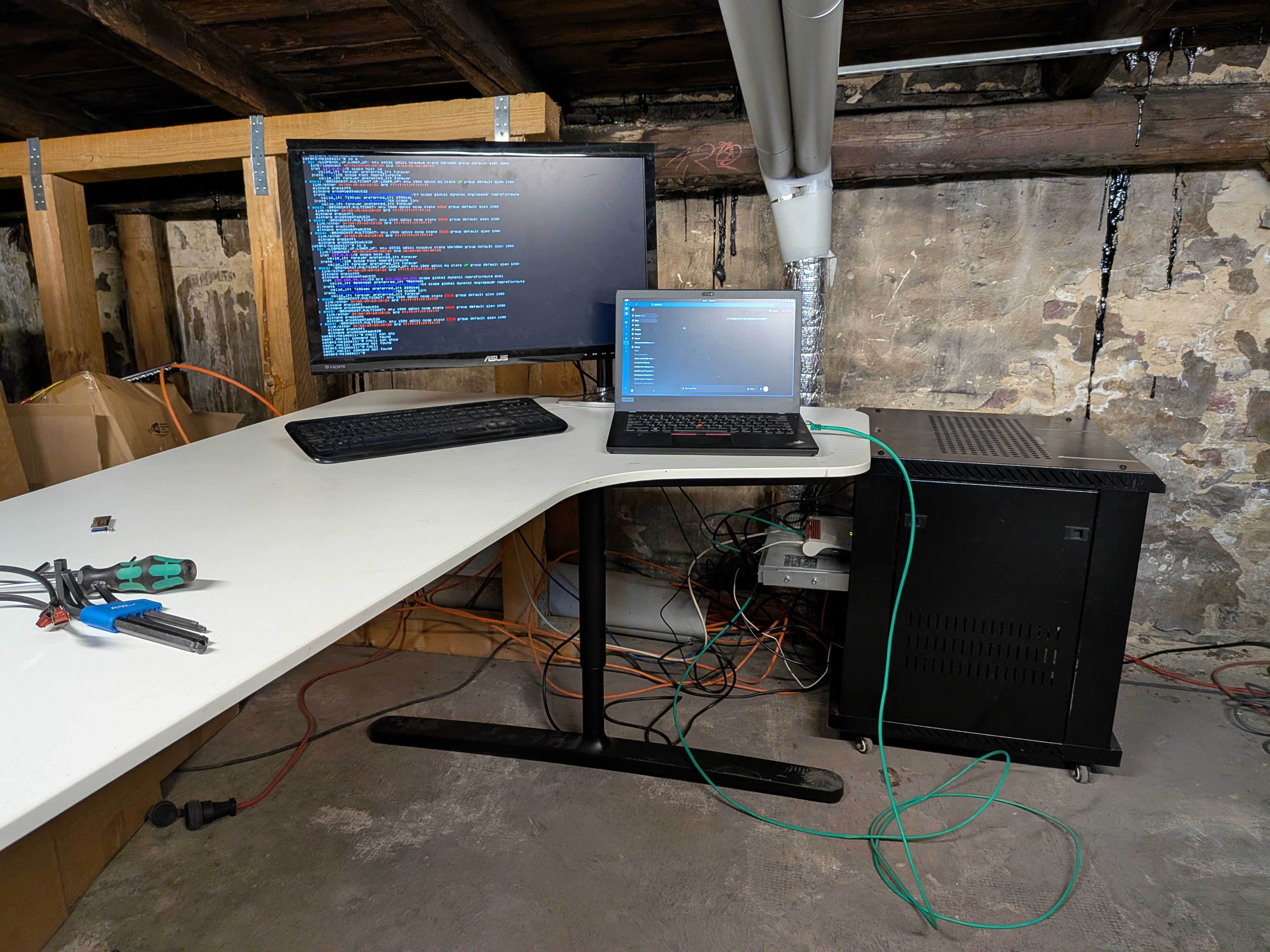
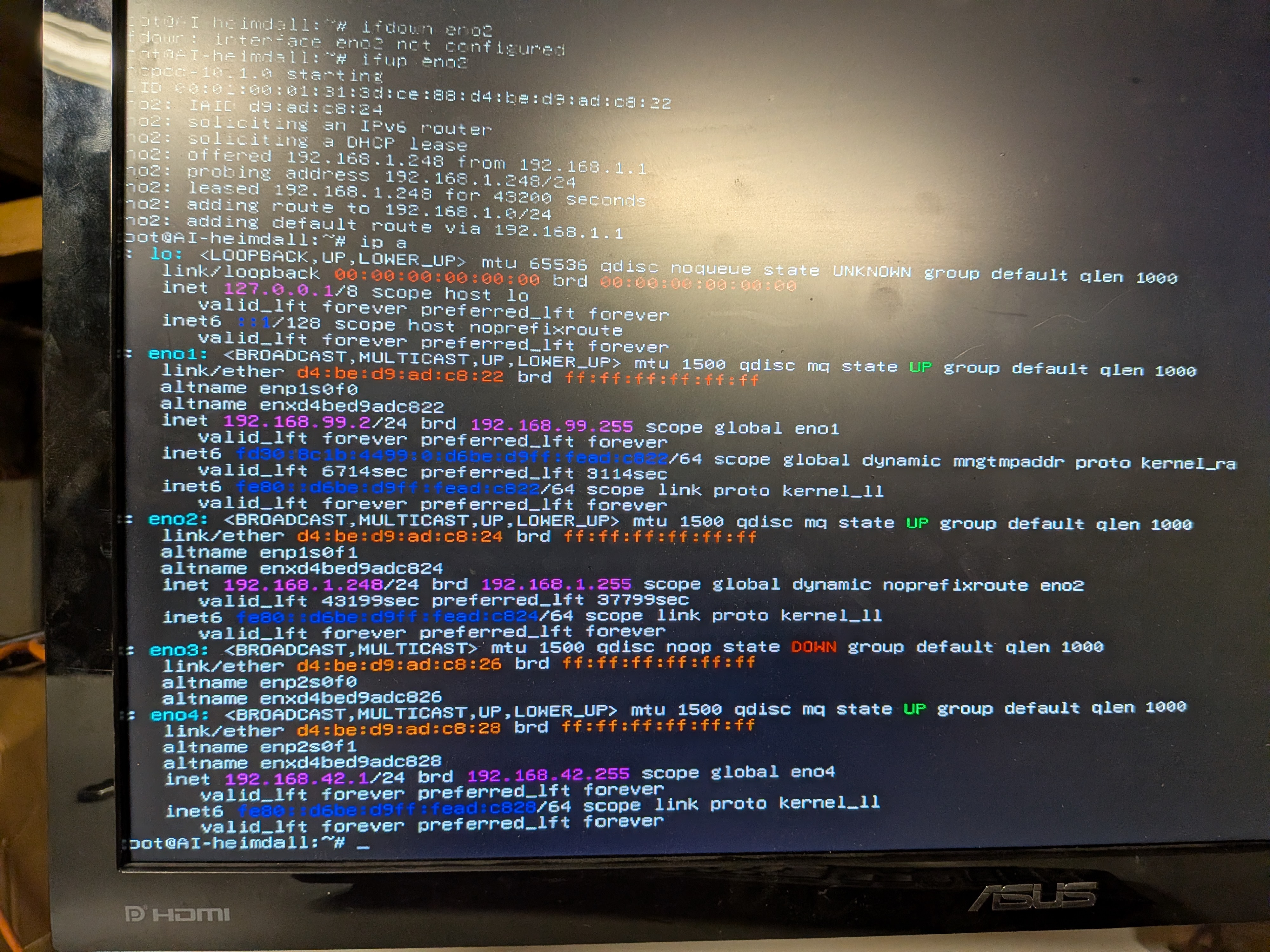
AI-heimdall has the two uplinks coming in as separate interfaces: eno1 for DSL (static IP into the modem), eno2 for Starlink via DHCP. The internal network runs on eno4 with the 10.42.0.0/16 address space towards the backbone switches.
The routing configuration uses two default routes in the Linux main routing table, differentiated by metric: DSL runs with a lower metric and is preferred, Starlink sits alongside it with metric 1003. As long as the DSL gateway is reachable, all traffic goes that way. If DSL drops, Starlink takes over automatically — no manual intervention, no visible outage for anyone in the office.
For the future, two named tables are already registered in /etc/iproute2/rt_tables — starlink (200) and dsl (201) — as preparation for proper policy routing that directs individual connections over a specific uplink. For now, the failover model is exactly what we need.
Python Dashboard: Monitoring Both Uplinks in Real Time
To see what is actually going over which link at any given moment, I wrote a small Python dashboard. It reads the interface statistics for both uplinks and displays throughput and utilisation in real time — simple enough to leave running on a screen in the office.
It also served as a practical sanity check: the dashboard makes it immediately obvious if everything is routing over one link when it shouldn’t be, or if something is wrong.
Results: Invisible Failover in a 15-Person Office
The bottlenecks are gone — and when the DSL line has a hiccup, nobody in the office notices. That’s the real gain: not more bandwidth on paper, but reliability in practice.
The actual work was the clean integration on AI-heimdall: two interfaces, correct metric configuration, making sure the Starlink DHCP lease doesn’t write a default route into the main table that displaces DSL. Philipp handled the Starlink installation and the physical setup, and knows every layer of the existing network that AI-heimdall now sits in front of; the routing configuration was my part.
If you’re building something similar: two default routes with different metrics in /etc/network/interfaces is enough for clean failover. Per-host load balancing requires additional ip rule entries pointing to named routing tables — that’s the next step we’ll take with the starlink and dsl tables already in place.